Town Funds no longer follow the old manual-transfer instructions. The 1.0.32 update changed the mechanism: its notes state a 1:1 transfer ratio, disable manual transfer and describe automatic rewards based on daily revenue.
Use that current rule together with the costs still relevant to running the shop. Recruitment discounts end, salaries adjust after promotion, event fees are charged when a shift starts and purchases can have later delivery dates. A large balance during preparation does not automatically mean all of it is available for another upgrade. Checked through 1.0.61, 3 October 2026.
Read the current Town Fund rule
The official note describes three changes together: a 1:1 ratio, no manual transfer and automatic rewards related to daily revenue. An older Demo instruction to visit the bank and manually exchange surplus money is therefore not the current procedure to follow.
The note does not provide a full reward calculation for every circumstance. This guide does not convert that short statement into a promised formula for your final funds or assume that every number on the settlement screen becomes a freely spendable reward.
Check the reward shown after your actual shift and use that amount for the next plan. Keep money available for immediate operating costs separate from a progress goal involving funds. Official 1.0.32 update.
Recruitment has an introductory discount
The developer explains that the first 100 recruitment pulls are discounted. The resulting price increase from 140 to 200 is the end of that discount, not evidence that higher-rarity workers have become more likely.
Use the current price shown in your game when budgeting the next recruitment batch. A plan based on the discounted price can become inaccurate when the batch crosses the end of the introductory period.
Recruitment is also only the first part of a worker's cost. If you intend to train and promote the recruit, leave room for those decisions rather than spending the full budget on finding the card. You can review the confirmed development sequence in the staff guide.
Promotion changes the payroll check
The 1.0.19 notes state that employee salary automatically adjusts after promotion. That makes an old wage total a poor basis for the next shift if you have just changed the roster.
After training or promoting staff, inspect the displayed wages again. Record the actual amounts in your save rather than borrowing a value from another player's screenshot.
Choose what to do with remaining money after checking the roster you will actually use. A worker whose job is not assigned, whose equipment is blocked or whose route is unsuitable can consume part of the plan without solving the problem that caused you to hire them.
Event fees are charged when service starts
A player believed they had lost money when a shift and event behaved unexpectedly. The developer clarified that the event fee is charged when the shift starts, while treating unexpected service endings as a separate issue to investigate.
This affects when to reserve the money. If you choose an event during preparation and then spend the remaining balance on other items, the fee still matters at the beginning of service.
Keep a line for the selected event fee in your budget until you have finished that check. The amount is whatever your current game displays; this page does not prescribe a universal fee.
An unexpected shift ending is not automatically explained by the timing of the payment. Keep those two issues separate when describing a problem. Developer reply about event fees.
Check the delivery date before assuming stock is missing
When a player reported that purchases had not arrived, the developer first asked whether next-day or two-day delivery had been selected. A purchase therefore needs a timing check as well as a payment check.
Read the selected delivery option and compare it with the shift when you need the ingredients. Money spent on a later delivery should not be treated as stock already available for the current service.
The same player subsequently reported a failure despite selecting same-day delivery. The thread does not establish a guaranteed fix for every missing purchase. If the delivery setting is correct and the goods still fail to appear, record the order and version for the developer. Do not repeatedly buy the same supplies on the assumption that the first purchase never existed. Developer delivery discussion.
A simple cash worksheet
Enter the values currently shown in your game. The worksheet calculates cash plus your estimated next-shift revenue, minus the expenses you enter. It is ordinary budget arithmetic, not a simulator of the game's earnings.
Planned remaining cash
Your estimates, not a prediction. Nothing is uploaded or saved.
Projected revenue is your estimate. The worksheet does not automatically calculate customer demand, tips, Town Fund rewards, staff output or ingredient prices. Leave revenue at zero for a conservative cash-only view.
Include expenses once. If you put a purchase under ingredients, do not enter the same purchase again under planned upgrades. If an event fee is still due at opening, keep it in the event line. The result is only as complete as the entries you provide.
Read the result as a decision aid
A positive result means the entered amounts leave a balance under the assumptions you supplied. It does not mean the next shift is guaranteed profitable. A missed cost or optimistic revenue estimate can change that result.
A negative result identifies a plan that exceeds the cash and estimated revenue entered. Review optional purchases before assuming a successful shift will make up the difference.
You can also use the worksheet to compare two plans. Keep the operating costs unchanged, change one proposed purchase and compare the remaining balance. This is useful for deciding whether to recruit now or preserve cash for ingredients and the roster you already have.
For a stronger comparison, use a recent actual shift as your revenue reference. Still treat it as an estimate: the next service can have different waiting, customer flow or staff problems.
Money cannot remove a space limit
1.0.47 introduced expansion limits for the tea and sushi shops. An expansion that is blocked by those current limits is not solved merely by saving more money.
Before adding a large renovation to the budget, confirm that the current game allows it. The patch does not publish exact maximum dimensions, so this guide does not predict your final floor size.
If your real problem is workers waiting or customers unable to enter, first inspect kitchen routes. Spending on more capacity is a different decision from restoring access to equipment you already own.
Before the next purchase
Check current cash, the wages of the roster after any promotions, the event fee still due at opening and the delivery time of the ingredients needed for service. Then review optional recruitment, training and renovation plans.
Keep Town Fund rewards separate from invented projections. Use the automatic reward shown by the current game after service rather than following an old manual-bank tutorial.
A good budget does not need a promised million-coin layout or an exact profit formula. It needs actual costs from your version, a clear estimate and enough room to respond when the next shift behaves differently.
A closer look in game
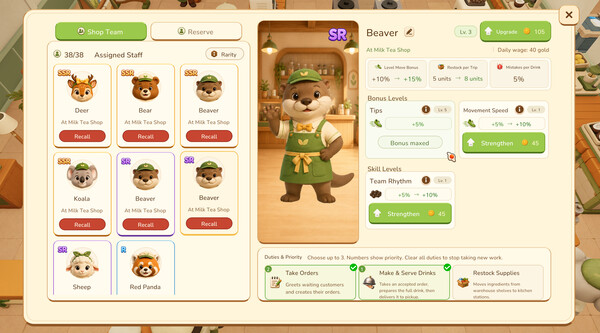
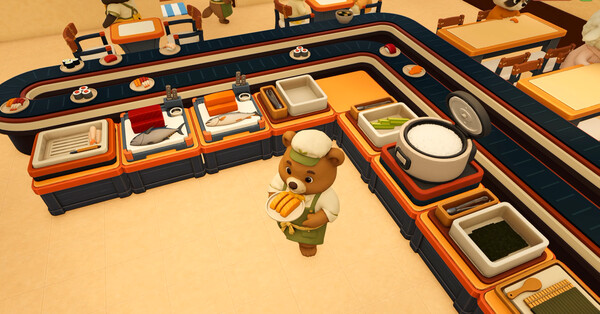
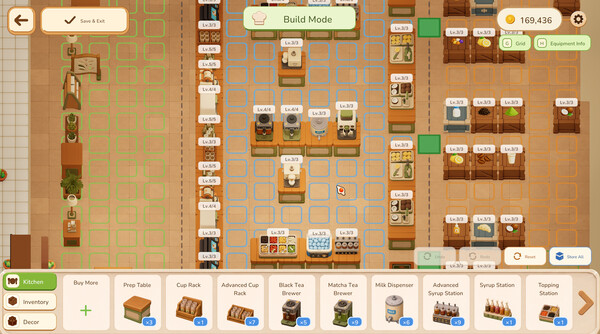
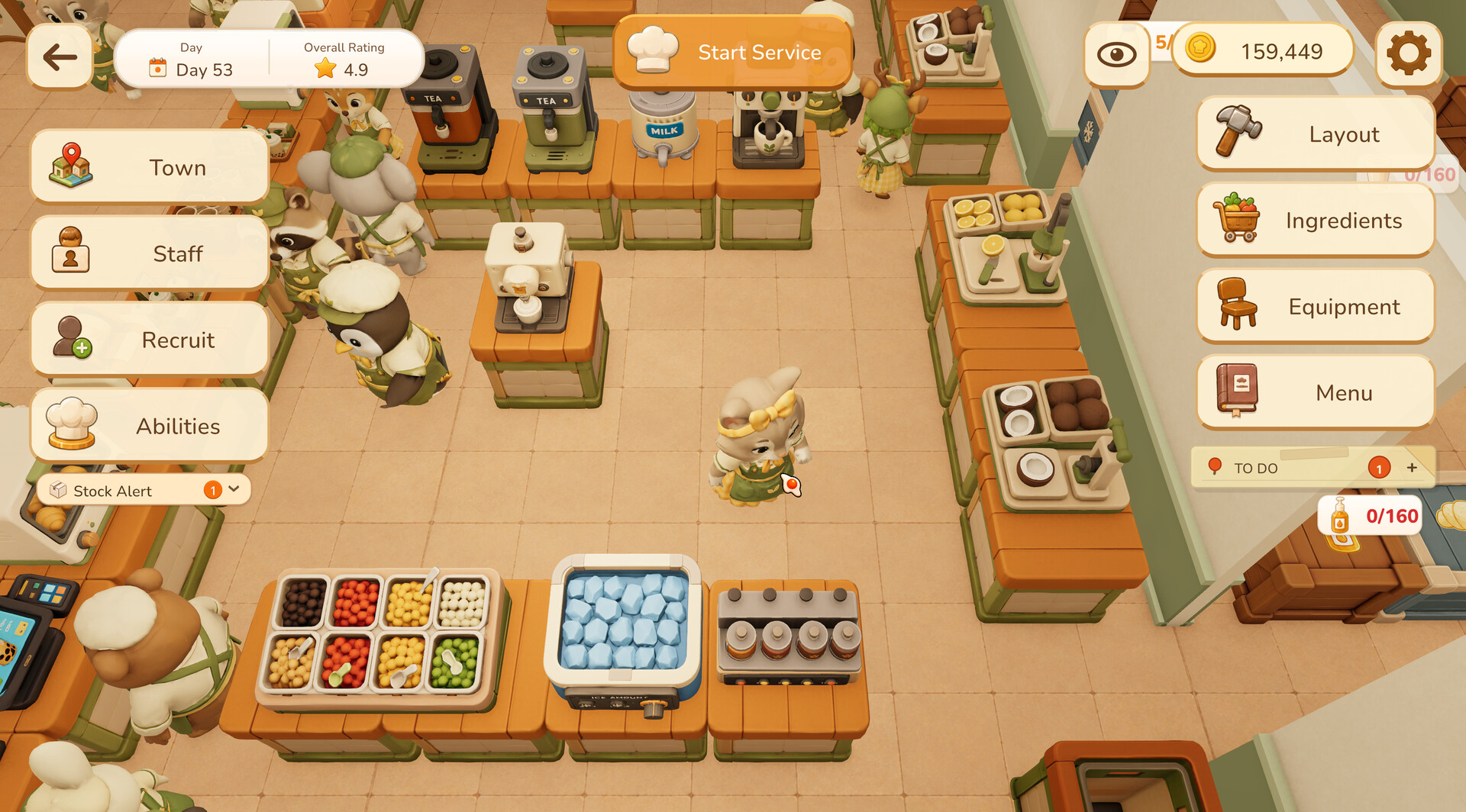
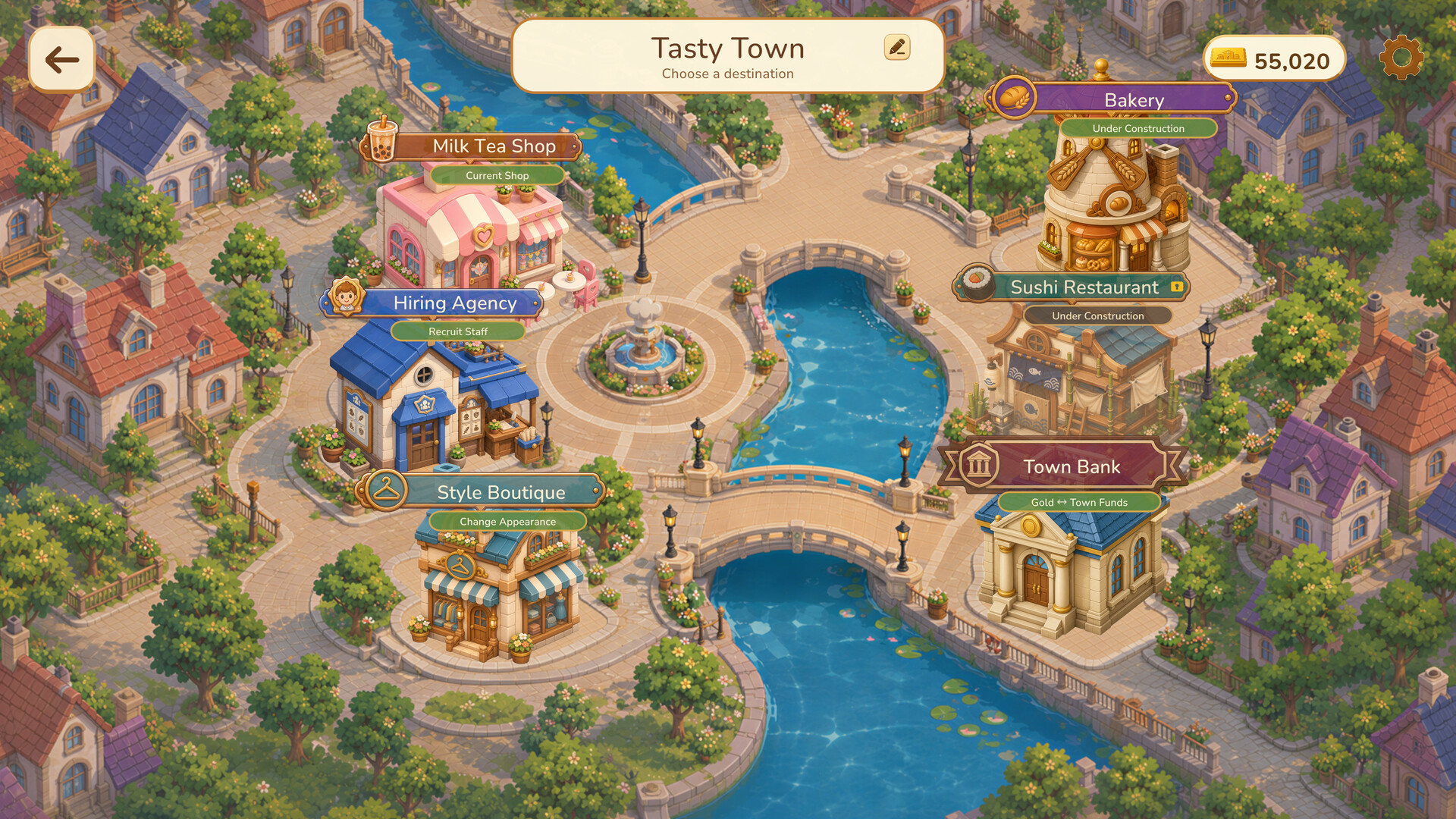
Official promotional screenshots show the setting and interface. Visible values may come from an earlier build; use your current game and the cited patch notes for limits and stats.
Official reading
These game pages, developer replies and patch notes support the mechanics discussed above. Planning examples are suggestions; use the values shown in your own game.