Keep the entrance, ordering area, shelves and workstation routes reachable before expanding the restaurant. The developer's kitchen FAQ explains that decorations blocking customer access can reduce traffic, and that unreachable shelves can prevent a layout from being saved.
Those checks are useful when promotion seems to bring fewer customers, staff appear idle or a renovation will not save. They do not mean every staff stall is a layout mistake: the official update history also contains pathfinding and freezing fixes. Start with access, then distinguish the remaining symptoms. This guide is checked through 1.0.61, on 3 October 2026.
Inspect the customer route first
In the developer's FAQ, two locations are named when customers disappear: the front of the ordering machine and the shop entrance. Decorations placed there can prevent customers from lining up or entering normally.
Look at the route customers must use before deciding that your promotion failed. An attractive entrance can still be an obstructed entrance. Temporarily simplify that area and check whether the route to ordering is clear.
The FAQ was written during the Demo period. It establishes the developer's stated diagnostic principle, not proof that every release-version customer problem is solved by moving a decoration. If customers still cannot enter after you restore access, check the current version and the repeatable conditions.
Avoid claiming a fixed universal corridor width from a screenshot or one player's complaint. Keep the relevant interaction area reachable, observe the current warnings and adjust the actual objects blocking the route. Developer layout FAQ, questions 2 and 3.
Why a layout may refuse to save
The same FAQ says that a shelf blocked by other objects can make a layout invalid because staff cannot reach it. The developer recommends changing shelf, equipment and surrounding-object positions while leaving room for movement, taking stock and using equipment.
Check newly added or moved objects first. A layout that saved before a renovation can become invalid when one shelf loses its approach route. You do not necessarily need to redesign the entire shop to find that change.
Follow each relevant shelf to the station it supports. The worker must be able to get to the supplies and to the work area, not just stand somewhere nearby. Check corners and objects that appear visually separated but still occupy part of the working route.
Change one suspect obstruction and try again. If you move several areas at once, you may make the layout save without learning what blocked it. Keeping the diagnosis small helps when the next expansion adds another shelf.
Plan three routes before adding machines
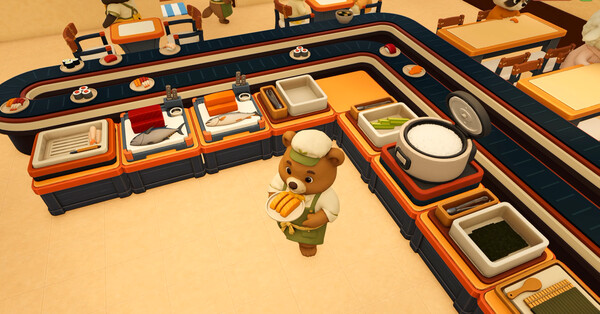
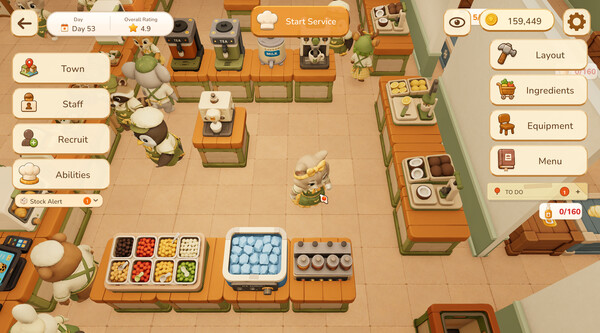
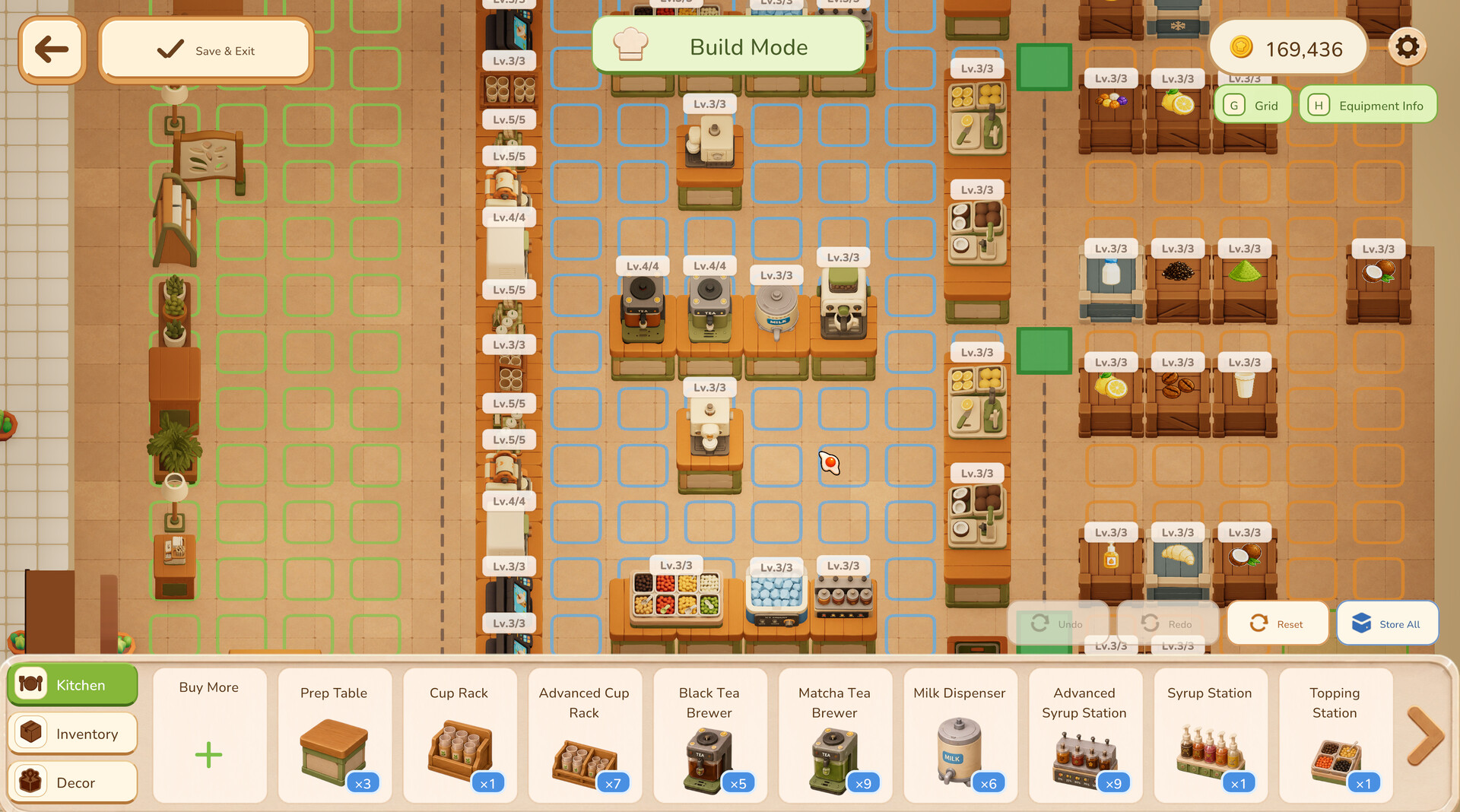
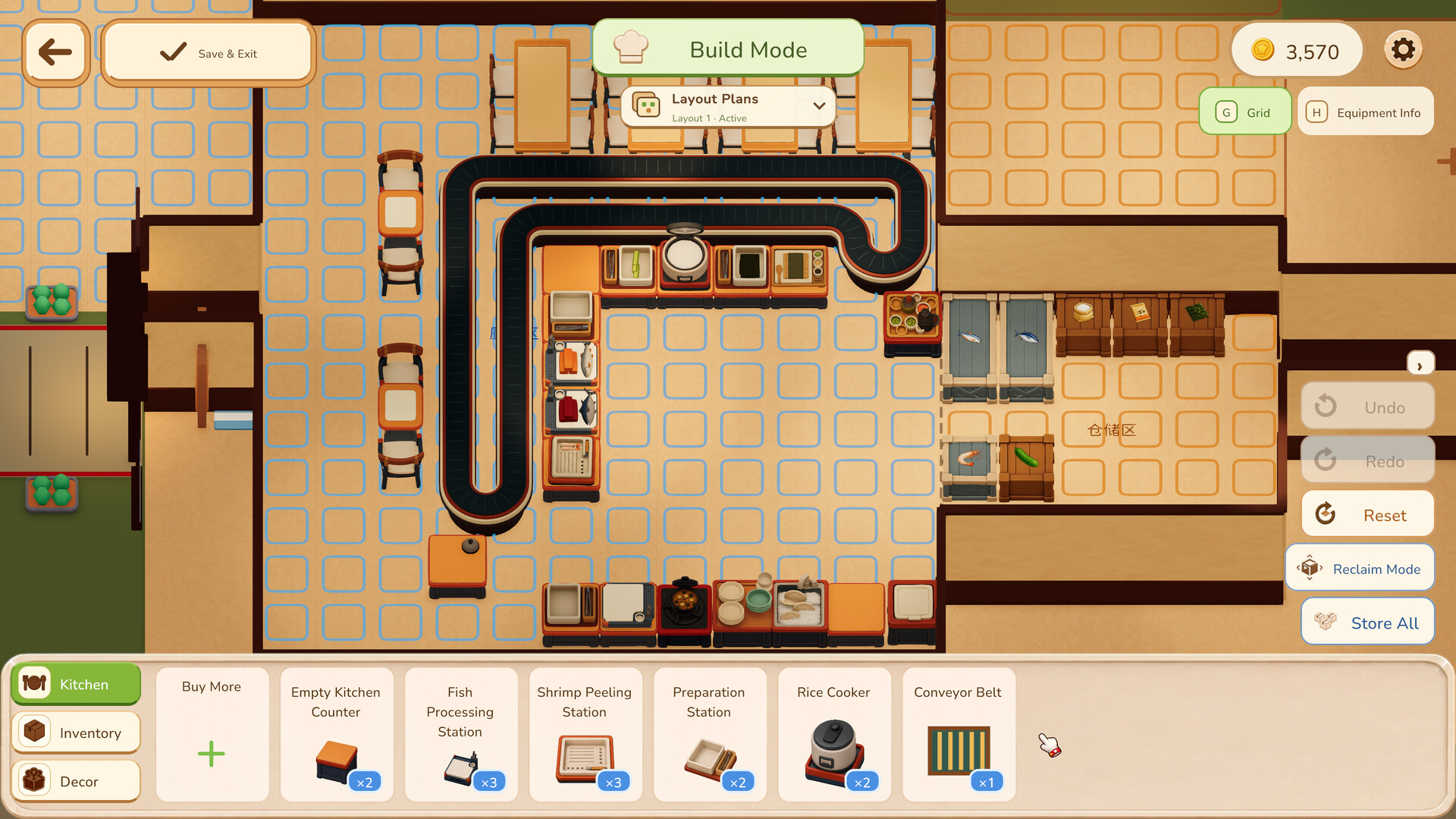
The official build-mode screenshots show equipment on the milk tea and sushi placement grids. Use them to think about three routes: customers reaching orders, staff reaching supplies and workers reaching their task destination. The pictured arrangements are examples, not a guarantee of an optimal layout.
For each route, identify its start, the thing that must be reached and any objects sharing the space. A workstation that looks convenient for one employee may sit directly in another employee's path.
Do not buy an extra machine solely because a worker waits near an existing one. Inspect whether they can reach it, whether the work is assigned and whether the item they are carrying has somewhere to go. Another machine may add another obstacle without addressing the wait.
When you want to try a different layout, make a small, explainable change. For example, remove decoration from the approach to an ordering area or restore an aisle to a shelf. That is a proposed experiment, not a claim that the game requires one exact arrangement.
An idle worker needs a task check as well as a path check
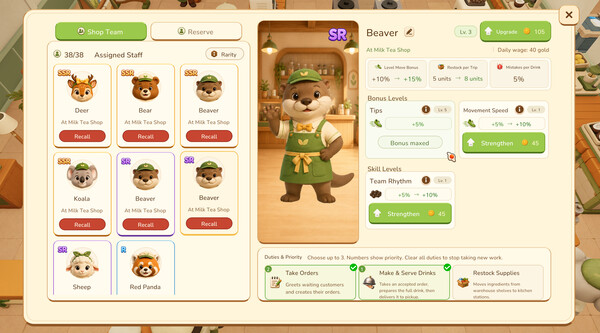
The developer says sushi staff need jobs and priorities set in employee management. They also point to quantity presets on the conveyor. These settings can stop or change what a worker does even if the floor is physically reachable.
Use this sequence when a worker appears idle:
- Confirm the assigned task and its priority.
- Confirm the required supplies and equipment can be reached.
- Inspect the destination for the finished item.
- In the sushi shop, check the conveyor quantity preset.
- Read the current employee status.
- If the worker still stalls, record the conditions rather than assuming more training will fix it.
The 1.0.41 patch added employee status tracking. The update history also includes repairs for workers freezing, moving at corners, running outside walls and being unable to pick up cups. Use the current status and version together.
For a worker whose development is the actual problem, see training and promotion. For a sushi-specific quantity problem, see conveyor settings.
Leave a destination for a handoff
Take Over has a condition that can be missed while renovating. The developer explains that a worker carrying an item needs an empty table to put it down. When every table is occupied, the order cannot be handed over.
This means a route review should include the destination, not only the workstation. A clear aisle is not enough if there is nowhere to place the carried item. Before treating the button as broken, check the empty-table condition.
The original discussion also contains a player who believed they had empty counters, so the check is not a complete guarantee. If the failure is consistent despite an available destination, keep the version and surrounding conditions for further investigation.
Expand within the current rules
An earlier update, 1.0.41, described unlimited expansion. 1.0.47 later introduced expansion limits for the tea and sushi shops. Players already beyond the limit could still fill edges but could not continue expanding outside.
Use the later rule when planning a current restaurant. The official notes do not publish a complete set of maximum dimensions, so this guide does not draw a supposed final-size floor plan.
If a new expansion is unavailable, check the current in-game limit before assuming you only lack money. A cash budget and a space restriction are different constraints. The budget worksheet can track spending, but it cannot tell you that an expansion is permitted.
The build tools have also changed. 1.0.5 added multi-object upgrade, rotation and duplication, and later notes describe improvements to copying and bulk selection. Use the actions available in your version while checking the resulting access to shelves and work areas.
Customer settings and staff capacity
1.0.47 added a manually adjustable customer limit with a default of 250. That default is a setting, not a statement that the restaurant's permanent maximum is 250 or that every shop should use it.
If you are troubleshooting congestion, review the setting alongside your actual routes and workload. Changing the customer limit does not repair a blocked entrance, but it can make your next observation easier to interpret.
1.0.61 increased the milk tea employee limit from 42 to 82. That ceiling does not establish a best staffing count. More workers still need reachable equipment, destinations and a sustainable budget.
Keep both numbers tied to their patch and purpose. One is an adjustable customer setting; the other is a milk tea staff limit. Combining them into an invented staffing ratio would not be supported by the notes.
Review before reopening
Walk through the customer entrance, ordering approach, supply route and work destination after each meaningful renovation. Recheck assignments if the kitchen's purpose changed.
Then observe one shift. Write down the place where waiting begins and make the next adjustment there. Avoid promoting workers, changing all presets and expanding simultaneously: if the result changes, you want to know which decision helped.
If access and assignments look valid but the game still produces a repeatable stall, report that condition to the developer. The useful details are the current version, the affected task and the action immediately before the problem. A guide can organize the checks without pretending every outstanding bug has been repaired.
A closer look in game
Official promotional screenshots show the setting and interface. Visible values may come from an earlier build; use your current game and the cited patch notes for limits and stats.
Official reading
These game pages, developer replies and patch notes support the mechanics discussed above. Planning examples are suggestions; use the values shown in your own game.