Start with staff jobs and conveyor presets, rather than hiring more employees immediately. In the sushi restaurant, the developer tells players to assign jobs and work priorities in employee management, then interact with the conveyor belt with empty hands to check the quantity settings.
A finished dish is also not automatically a finished order. The developer explains that placing a completed dish on the serving counter ends the preparation step; the order counts as complete after service. If an order changes while you are preparing it, the customer's patience may have run out and canceled it. These are separate issues with separate checks. This guide follows official replies and patches through 1.0.61, checked 3 October 2026.
Before opening: check jobs, routes and presets
Open employee management and review what each worker is supposed to do. The developer specifically calls out both the job and its priority when discussing staff who do not make sushi. A person being present in the restaurant is not enough to prove the relevant work is assigned.
Next, use empty hands to interact with the conveyor. Review the configured quantity of dishes on the belt. The developer describes this as a preset you can customize, intended to prevent staff from continuing to put out food and waste ingredients around the end of service.
Finally, look at the physical route between the worker, supplies, workstation and serving destination. A correct assignment does not make an obstructed route usable. If your trouble began after renovations, compare the affected route with the one you had before the change. Developer reply about sushi jobs.
Use this preparation checklist:
- Staff have the intended jobs and priorities.
- The conveyor quantity is appropriate for the upcoming time period.
- Ingredients and workstations are reachable.
- Finished food has a reachable destination.
- You have reviewed the end-of-shift preset before opening.
The checklist is a planning aid. It does not promise a specific number of guests served or a fixed staff ratio.
Control the belt by time period
The developer says you can set dish quantities for each time period by interacting with the conveyor with empty hands. When the configured number is exceeded, employees stop adding more dishes. They recommend reducing the preset for the period before the restaurant closes.
This gives you a direct way to think about overproduction. The early preparation period, busy service and final part of the day do not have to use the same inventory target. Check what you want available at each point, rather than using a high preset for the whole shift simply because the belt has room.
No universal ideal preset is published in the replies. Choose a starting value in your own game, watch whether the belt empties or ends with unnecessary leftovers, then change one setting for the next shift. Treat any number you select as a local experiment, not a guaranteed optimal recipe.
If employees are not adding dishes while customers are waiting, inspect whether the quantity setting already blocks more production. If staff are assigned correctly and the preset should allow more food, continue with route and status checks instead of assuming the preset is the only possible cause.
Follow the order through its actual states
The official explanation separates preparation and delivery:
| What you see | What it establishes | Next check |
|---|---|---|
| The dish is being prepared | Work has started | Is the customer still waiting? |
| The finished dish is on the serving counter | The cooking step is complete | Has an employee actually served it? |
| Staff have taken the dish for service | Delivery is in progress | Can the worker reach the destination? |
| Service is completed | The order can count as completed | Inspect the active order display |
Use the table to identify where the process stopped. Repeatedly making the same dish does not solve a delivery step that never finishes. Similarly, placing food on a counter is not proof that the customer's order should already disappear.
A player in the same discussion reported confusion between the displayed recommendation and the food they sent to the conveyor. The reply does not fully document every recommendation display. Use the order currently shown in your game and the actual service result; do not assume every suggestion on the screen is an individually accepted order. Developer explanation of preparation and service.
Why an order changes while you are cooking
The developer identifies patience running out as a reason an order is forcibly canceled. When that happens, the old order can no longer be treated as the same waiting task.
Before continuing a partially prepared dish, look at the active order and check whether it still matches what you started. A recipe you remember from a moment ago may belong to a customer whose patience has already expired. Continuing blindly can add unwanted food while the next active request still waits.
If this happens repeatedly, examine the whole service chain. Is the employee taking too long to reach ingredients? Are several workers trying to use the same area? Is the destination obstructed? A cooking-speed upgrade alone may leave the waiting time elsewhere unchanged.
The patch history also includes changes to customer flow and conveyor delivery logic. Check your version before relying on an old recording. The aim is to understand why the current request changed, not to preserve the earlier recipe at all costs.
A belt full of food is not always a successful shift
Too much finished food can hide a mismatch between preparation and demand. Check the quantity settings and the timing of the surplus. If food remains mainly at closing, begin with the developer's recommendation to lower the last time-period preset.
If the surplus appears much earlier, look at what you enabled and what is being served. Adjust one part of the system at a time so you can recognize the effect. Changing jobs, belt settings and the whole kitchen together makes it difficult to know which action mattered.
Do not confuse this inventory check with a recipe completion guide. The sources here do not provide a full recipe table or a guaranteed money-making menu. This guide explains the conveyor and order workflow; choose exact recipes from the current in-game menu.
Diagnose idle or stuck staff
Start with jobs and priorities. Next check quantity presets. Then inspect the route and employee status. The 1.0.41 patch added employee status tracking, which can help distinguish a worker waiting on something from one whose model simply looks motionless.
The patch history contains fixes for employees freezing, corner movement, restocking and conveyor logic. That history shows that staff problems have sometimes been bugs. It does not prove every new report is already fixed.
Use a small diagnostic change. Restore access to one affected station, review one worker's assignment and watch that worker's next task. If the issue persists with reachable equipment and suitable settings, record the version, role and exact point at which work stopped for the developer. Official patch history.
Read the layout guide for entrance and shelf checks. Read the staff guide before using promotion as an attempted cure for a route problem.
Take Over and closing the shop
The developer explains one Take Over failure condition: the employee needs an empty table where they can put down the item they are carrying. If all tables are occupied, the handoff cannot happen.
Check that condition before repeatedly pressing the button. The explanation is a diagnostic step, not a guarantee that every failed handoff has the same cause. The original player thought empty counters were available, so persistent failures still deserve a clear report.
For closing the shop with a controller, older advice about RT should be treated cautiously. A developer reply said RT was not assigned to that action at the time. 1.0.61 added a customizable end-of-shift shortcut, with no default binding. Check the setting in your current version instead of assuming a universal key.
Finish one shift, then change one thing
At the end of service, write down the stage that caused the most trouble: quantities, preparation, delivery, patience or pathing. Choose the next change from that observation.
For example, excess closing inventory suggests a preset review; finished dishes waiting on a counter suggest a delivery check; changing orders suggest looking at patience and delays. Those observations are more actionable than a broad conclusion that the restaurant needs more employees.
Use the shop budget guide before buying more staff or machines. When service is reliable, the achievement checklist can help you choose a longer-term goal without confusing it with the next customer's order.
A closer look in game
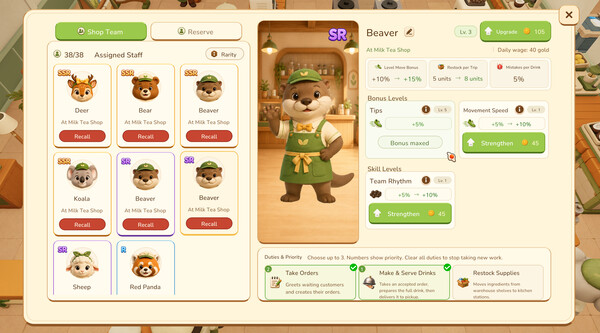
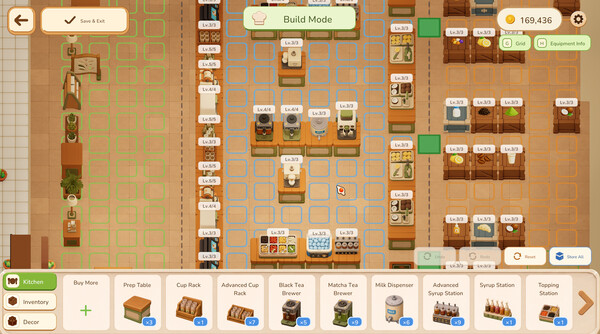
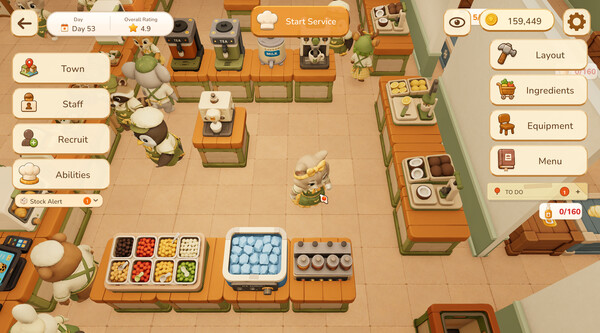
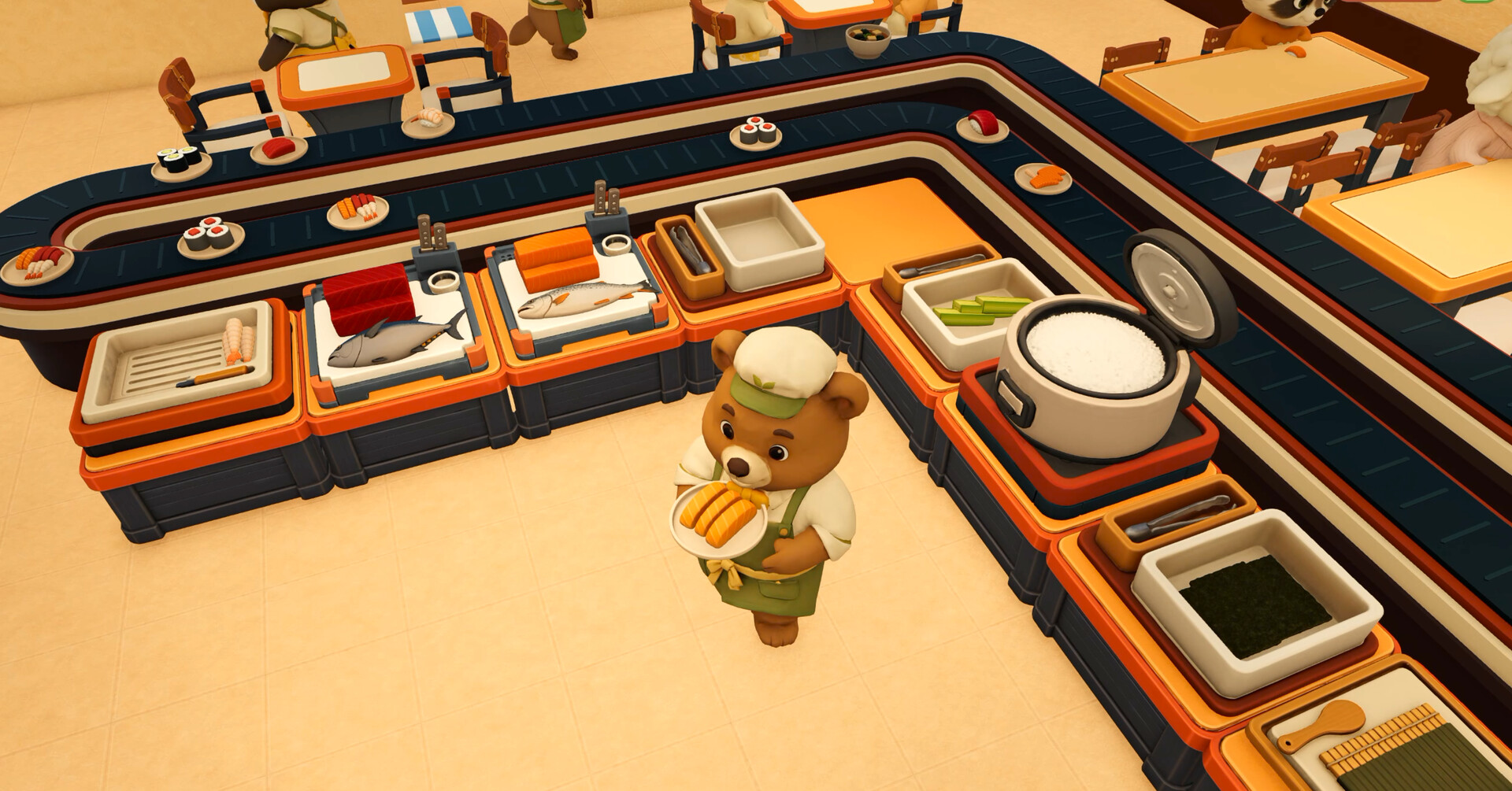
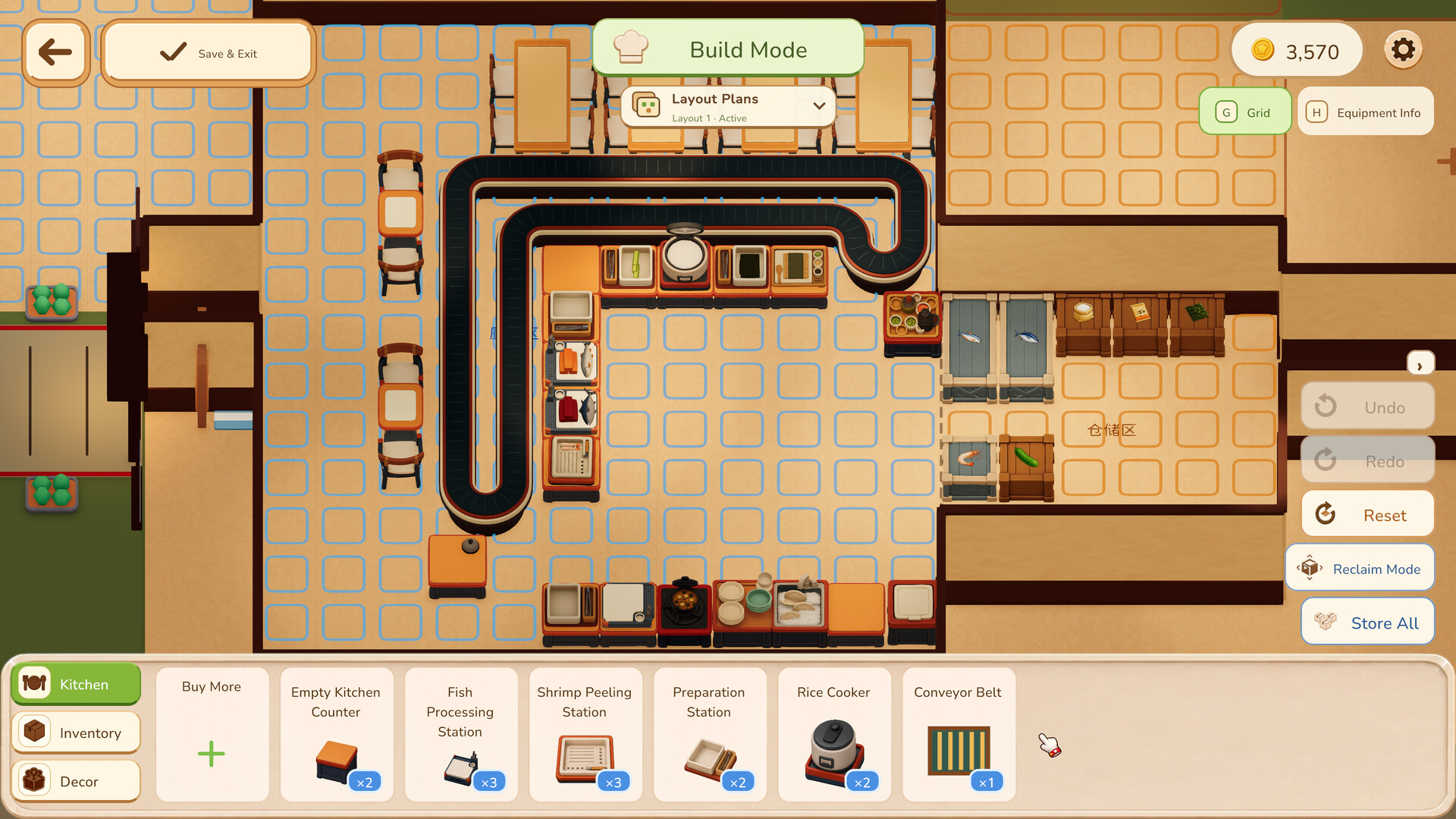
Official promotional screenshots show the setting and interface. Visible values may come from an earlier build; use your current game and the cited patch notes for limits and stats.
Official reading
These game pages, developer replies and patch notes support the mechanics discussed above. Planning examples are suggestions; use the values shown in your own game.